Merge a Spinner Group Rewards
Permanent bonuses first. Timed codes second.
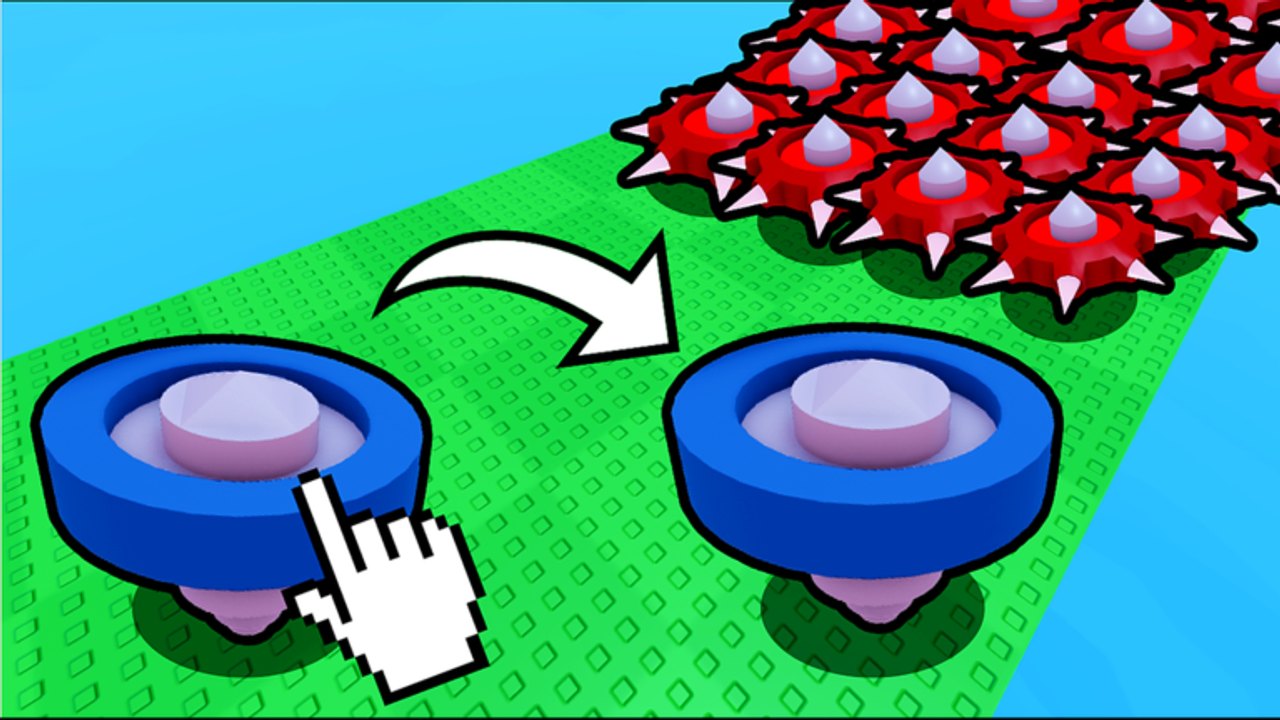
Codes vanish. Group rewards usually do not. Merge a Spinner’s official description tells you to like, favorite, and join the group for updates. That is not flavor text. Flapjack’s Games (community 888837368) is a verified Roblox group with a large member base, and the experience is wired to check those flags. Do this on a brand-new account before you buy the second starter.
The three standing bonuses
Join Flapjack’s Games. Open the group page and join. Then hop back into Merge a Spinner and look for a claim board, a free-gift button, or an automatic toast. If nothing appears, rejoin the server once. Group-check remotes often fire on character load, not on the join click itself.
Like the experience. The like button sits under the Roblox title. One click. Several merge tycoons grant a small coin or spawn bonus for a like, and even when they do not, likes are how the next code drop gets authorized internally.
Favorite the experience. Favorites are the signal the algorithm uses to put the game back on your Home. They also tend to be the second flag a claim board reads. Favorite it even if you already joined the group.
Those three together are the group rewards package. They stack with whatever a future code pays and they survive a rebirth, which a 10-minute coin boost does not in any useful way if you reset mid-timer.
How to confirm the bonus actually applied
- Note your coin count and spawn tier before you join.
- Join the group on the Roblox website or app, then rejoin the experience.
- Watch for a claim prompt. If the game uses a physical board, walk up and use the proximity prompt — the controls page covers PC, mobile, and console prompts.
- If the bonus is a percentage (drop speed, coin multiplier), it will not jump the coin number immediately. Start a short wave and compare income against an alt that is not in the group.
If two accounts on the same server show different income after a like, the bonus is live. If they match, the game may only be using the group as an announcement channel for now. Keep the membership anyway; the updates hub is slower than a group shout.
Why this beats waiting for codes
Merge a Spinner launched 18 July 2026. Public codes have not been verified as of September 2026. Group standing is the only free extra you can claim today. It also puts you on the shout list for the first real drop, which is how you beat thumbnail channels to the redeem box.
Spend the extra coins the same way you would spend a code: second matching spinner, then spawn tier, then board space. Do not buy a cosmetic trail with the first group payout.
Group etiquette and safety
The group wall is not a trading post. Anyone DMing you a “free spinner” link is running a phishing page. Codes are redeemed in-game only. Loaders belong on the scripts hub with the safety notes, not in a group shout impersonating Pancakes (the group owner, Mrflapjackie).
If you leave the group, some games strip the bonus on the next join. Stay in the group even if you take a break. Offline earnings still run, and the offline farming page assumes you are not fighting a missing multiplier.
After the bonuses are on
Go back to the getting started loop: two starters, one merge, spawn-tier upgrade, then a raid only when the lane holds. Bookmark this page so a new alt can copy the same three clicks in under a minute.
Frequently Asked Questions
Quick answers for Merge a Spinner on Roblox.
Do I have to join Flapjack's Games?
You can play without it, but you miss shout-drop codes and any standing like/join bonus. Join before your first long session.
I joined but got nothing.
Rejoin the experience so the group-check remote fires. Then look for a claim board or Shop gift tab.
Does leaving the group remove rewards?
Some tycoons strip the multiplier on the next join. Stay in the group even if you stop playing for a week.
Is the group the same as Discord?
The verified Roblox group is the official channel we can confirm. Discord invites change; start at the players hub.